 TechnologyPhoto: NDTV Tech
7 Ways to Take Screenshots on Windows 11 Laptop
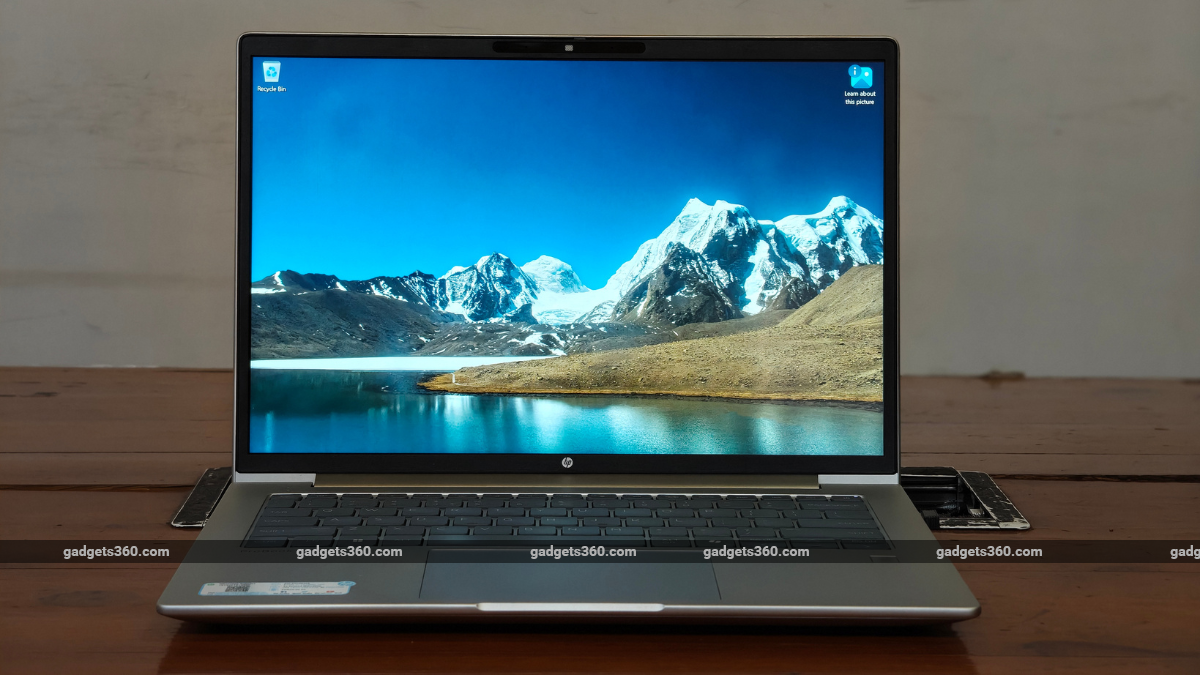
Windows 11 laptops offer multiple methods to take screenshots, including the built-in Snipping Tool. Users can open the Snipping Tool via the Start menu or quickly with the shortcut Windows Key + Shift + S. The tool allows capturing screenshots, screen recording, and annotating with Ctrl + E. Screenshots are saved in the Pictures folder under Screenshots.
NDTV Tech·
Swipe up for next